Pokemon RPGXP Games: Completed Fan Games, Picks & Safety Checks
A practical guide to finding RPGXP and RMXP Pokémon fan games, separating completed stories from demos, and checking the source before you invest in a save.

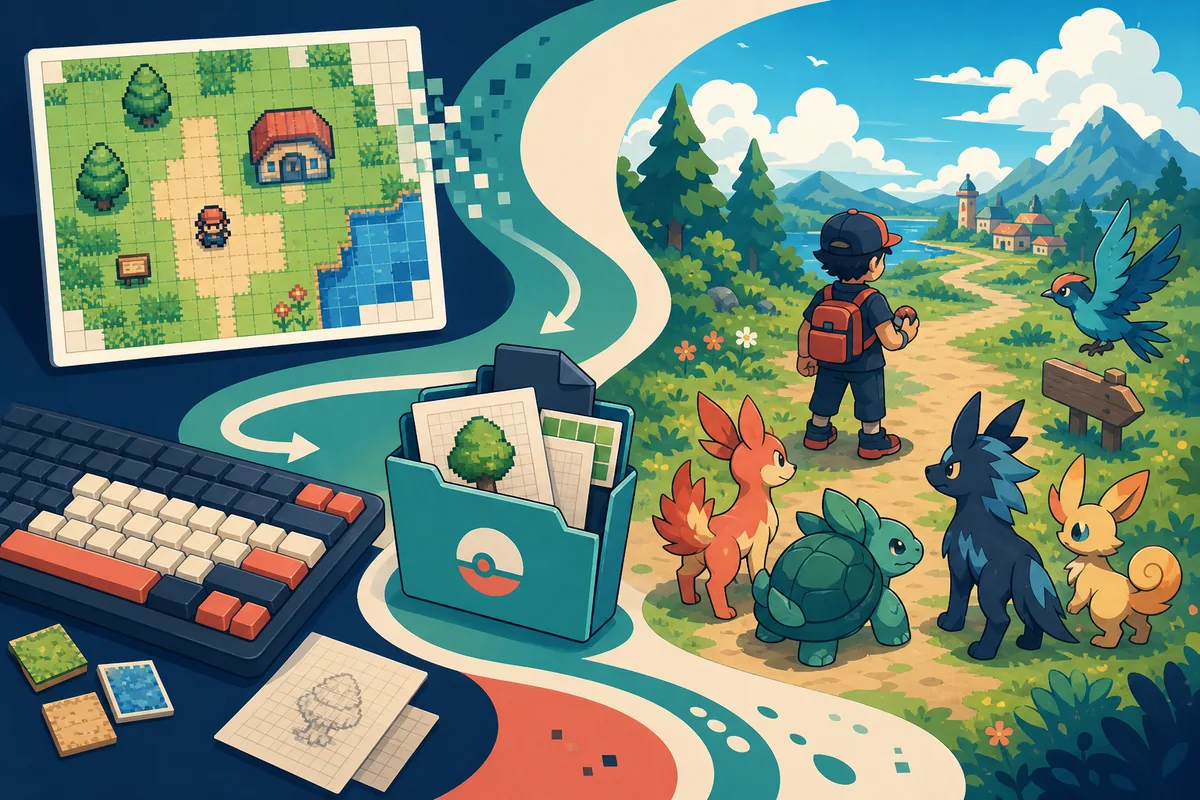
What to Choose First When You Search for Pokemon RPGXP Games
The best starting point is not a random list of every Pokémon fan game that mentions RPGXP. It is a completed-game directory or a project page with a visible development status, a clear author trail, and enough information to tell you what you are actually getting. A finished story can be worth a longer download, while a demo may be better if you only want to test a new region or battle system.
The phrase Pokemon RPGXP games is also used loosely. Some pages mean games built with RPG Maker XP. Others mean RPG Maker XP projects using Pokémon Essentials, an engine kit, or a similar RMXP workflow. Those labels help you find a family of fan games, but they do not guarantee a shared art style, save format, controller layout, or compatibility with Android.
Use the status first: completed if you want a full campaign, demo if you want a short trial, and work in progress if you enjoy following development. Then check the source, platform notes, save behavior, and content warnings. This keeps a good-looking screenshot or a high-volume recommendation from turning into a broken link or an unfinished main save.
If you want a no-download browser RPG instead, use the broader Pokemon RPG games guide. If your priority is general fan-game discovery, compare the best Pokemon fan games page. This article stays narrow on the RPGXP/RMXP engine and completion-status decision.
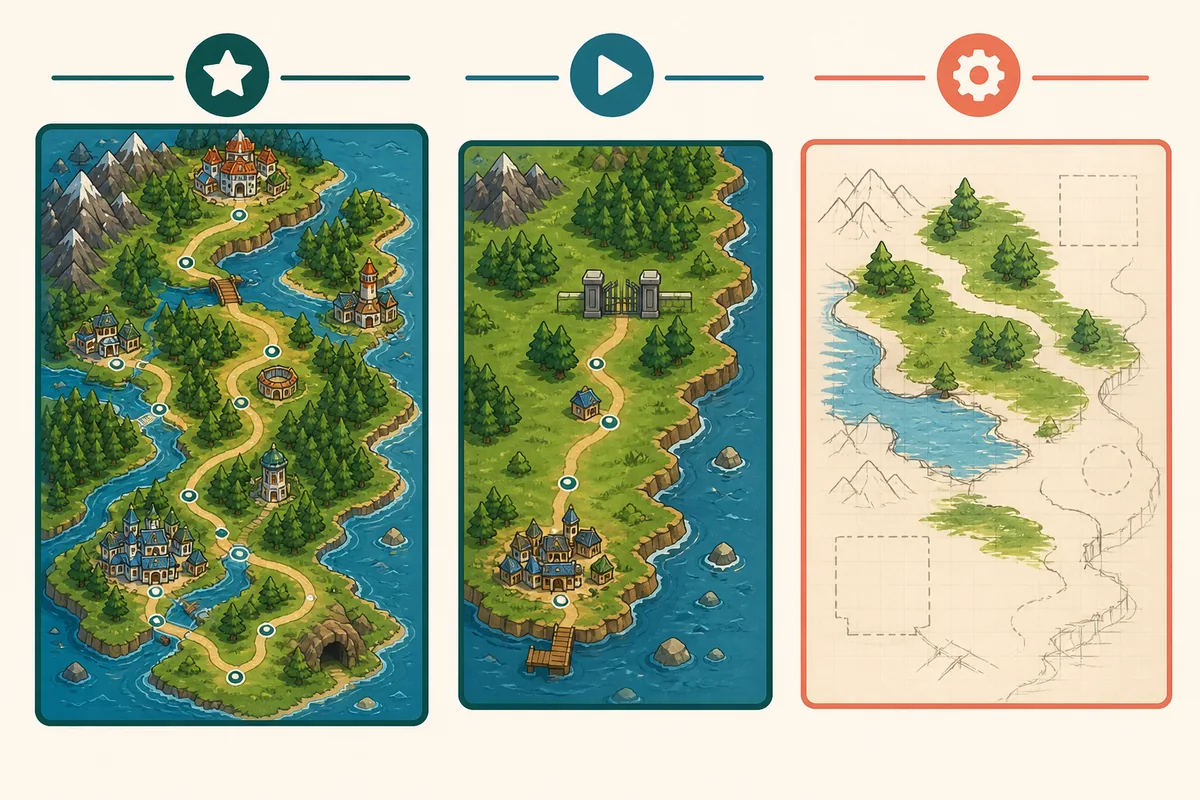
Choose Completed
Best for a full story, custom region, gyms, routes, and a save you expect to finish.
Choose a Demo
Best for testing the art, battle rules, pacing, and device controls before a long session.
Choose a WIP
Best when you want development updates and accept missing content, resets, or changing mechanics.
What “RPGXP” Means in Pokémon Fan Games
RPGXP is shorthand for RPG Maker XP, often written as RMXP in fan-game communities. It describes the creation environment rather than a single official game series. A project may also mention Pokémon Essentials, which is a toolkit and framework used by many Pokémon-style RPG Maker projects. The useful takeaway is that the tag helps you locate a type of project, not predict its quality.
That distinction matters because search pages often mix engine terms with unrelated ROM hacks, browser games, mobile APKs, and official Pokémon releases. A page that says “RPGXP” may be a showcase thread, a developer resource, a completed story game, or a tutorial for creators. Read the page purpose before treating it as a player recommendation.
For a player, the strongest evidence is a maintained project page with screenshots, credits, a status label, controls, supported operating systems, and a clear path back to the creator or community thread. For a creator, the RPG Maker XP product information and the Pokémon Essentials repository answer a different, tool-building intent.
Completed vs Demo vs Work in Progress: The Useful Filter
The phrase pokemon rpgxp completed games has a narrower and more practical intent than a generic fan-game list. “Completed” should mean that the advertised main route or campaign is playable to its stated ending; it does not necessarily mean that every optional feature, postgame, translation, or bug has been finished.
A demo can be excellent, but it should be labeled honestly. A work-in-progress project may have the strongest ideas and the least predictable save life. Use the status table below as a first-pass filter, then confirm the exact status on the project page because community labels can change.
| Status | What It Usually Means | Best For | What to Check |
|---|---|---|---|
| Completed | The advertised main campaign reaches a stated ending. | Players who want a full story and a stable long-term save. | Last release note, known bugs, save backups, and postgame scope. |
| Demo | A limited slice is playable, often before the full region or story is ready. | Trying the art, pacing, and core mechanics with low commitment. | Where the demo ends, whether saves carry forward, and whether updates reset progress. |
| WIP | Development is active or the feature set is incomplete. | Players who enjoy testing and following a community project. | Recent activity, roadmap confidence, compatibility, and changing save formats. |
| Showcase or tool | The page demonstrates a system or teaches creation rather than offering a finished game. | Creators, researchers, or players comparing mechanics. | Do not mistake a tutorial, engine, or asset thread for a playable release. |
A Practical Pokemon RPGXP Game Comparison
A useful list should compare the experience, not only the title. Story depth, platform, source quality, save confidence, and development status tell you more than a vague “best” label. If two projects look equally attractive, prefer the one with the clearer source trail and the more honest status description.
The table is deliberately conservative. It does not invent a fixed ranking or claim that a community project is official. Use it to decide what to investigate next, then follow the project-specific source link and read its own instructions before you play.
| Project Type | Story Depth | Typical Platform | Best Next Action |
|---|---|---|---|
| Completed RPGXP fan game | Full advertised campaign, often with a custom region. | Usually desktop-first; exact support varies. | Open the developer or maintained directory page and verify the release trail. |
| RPGXP demo | A short route, early gyms, or a mechanic preview. | Desktop first; mobile support is project-specific. | Play a short test and ask whether the save can continue later. |
| RPGXP WIP | Changing scope, missing areas, or unfinished systems. | May change between builds. | Read recent updates, backup saves, and expect resets. |
| RPG Maker / Essentials resource | A toolkit, tutorial, or mechanic example, not a finished campaign. | Creator workstation rather than a player release. | Use it for research, not as a game download recommendation. |
Where to Research RPGXP Fan Games Safely
The safest research path is a source chain: start at a maintained directory or community showcase, identify the project author, then follow the author’s own page or release thread. The directory is useful for discovery, but it should not replace the original project context. Screenshots and comments can be old, links can expire, and a project can change status after a list was published.
The Eevee Expo completed-games directory is useful for finding projects that advertise a finished campaign. The PokéCommunity fan-games forum is useful for reading development context. Treat both as community sources: follow the project thread, read credits and comments, and do not assume a directory entry is a guarantee of safety or continued maintenance.
Avoid pages that hide the creator, force unrelated sign-ups, use vague “one-click” installers, or offer ROM/APK mirrors without a verifiable project trail. This guide intentionally links to discovery and source pages instead of guessing a direct file URL. If a project only has an old thread, mark it as a research lead rather than a confident recommendation.
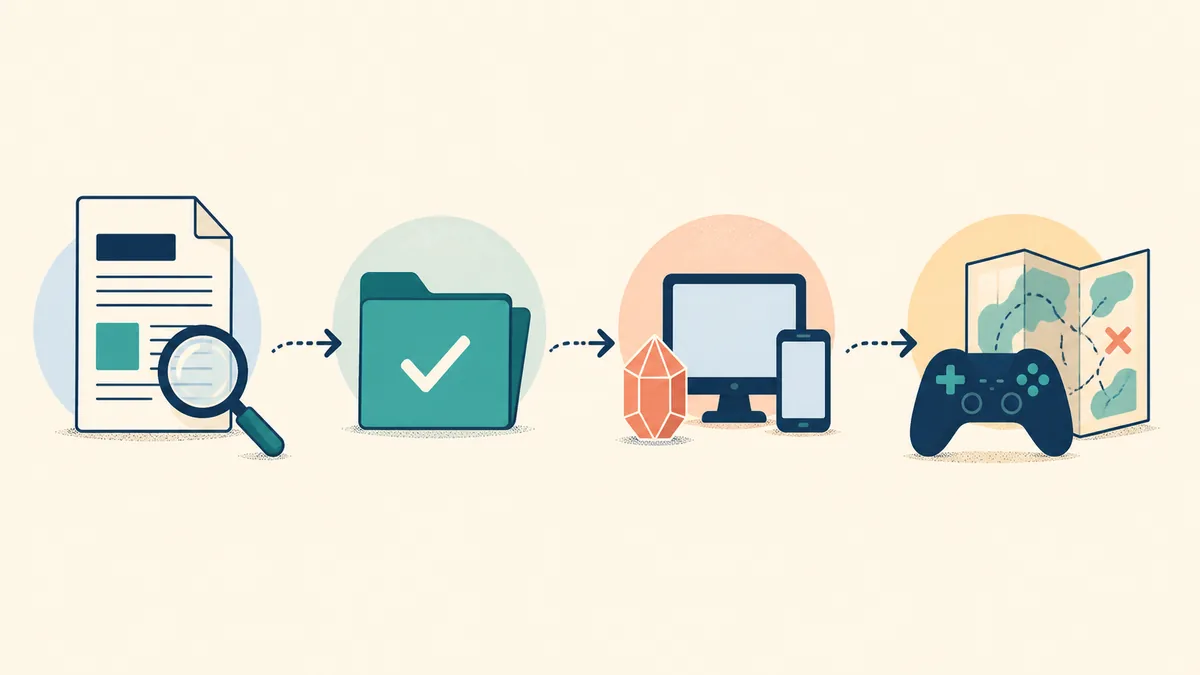
- Find the source. Record the project page, author, community thread, or release repository instead of saving a mirror URL.
- Read the status. Confirm whether the listing says completed, demo, beta, or work in progress, and note the date of the latest update.
- Check saves and device support. Look for backup instructions, operating-system notes, controller limits, and warnings about resets.
- Test before committing. Run a short session, confirm the controls and save behavior, then decide whether it deserves a main save.
Android and Mobile Reality
Similarweb’s question tab returned how to play rpgxp pokemon games on android as a small but clear long-tail question. The safe answer is not that every RPGXP game works on Android. Compatibility depends on the project, the engine build, the required runtime, touch controls, file access, and whether the author documents a mobile path.
Treat desktop support as the default unless the project page says otherwise. Do not turn a community game into an APK by downloading a random repack, and do not assume that an emulator or compatibility layer will preserve saves or controls. If a project has a documented mobile method, follow that project’s own instructions and keep a backup of the save first.
For browser-first play on a phone, the Pokemon browser games guide is a better match than this RPGXP article. For the step-by-step Android setup, use the new RPGXP Android guide. For a no-download idle experience, Pokechill stays inside the browser rather than asking you to install an RPGXP project.
- Supported device Look for an explicit Android, Linux, macOS, or Windows note from the project author.
- Input method Check whether touch controls work or whether a keyboard, controller, or remapping layer is required.
- Save path Learn where saves are stored and how to back them up before changing devices or runtimes.
- No random APK An APK mirror is not proof of compatibility, legitimacy, or a safe release path.
How This Page Fits the Rest of Pokechill
This page is intentionally narrower than the site’s broad Pokemon RPG games guide. That page helps readers choose between browser RPGs, idle RPGs, MMOs, clickers, and downloadable fan campaigns. Here, the decision is engine-specific: what RPGXP/RMXP means, whether a project is complete, and how to verify its source.
It is also narrower than best Pokemon fan games, which compares browser, idle, roguelite, story, and community formats. If you only want a general list, use that page. If you specifically searched for RPGXP, RMXP, completed Pokémon fan games, or a project list, this page gives you the filtering vocabulary before you open a source.
Pokechill itself is a browser-based idle RPG, not an RPGXP download. The Pokechill Wiki, Evolution Chart, and Tier List answer Pokechill-specific lookup questions. Keeping those intents separate makes the site easier to crawl and makes each guide more honest about what it can actually help you play.
Best boundary
Use this guide for RPGXP/RMXP Pokémon fan-game discovery and status checks. Use the existing RPG, fan-game, browser, and Pokechill guides when your intent is broader or specifically about playing Pokechill online.
Pokemon RPGXP Games FAQ
Research Sources and Media Note
The article uses the RPG Maker XP product information and the Pokémon Essentials repository for terminology and tool-context boundaries. For player discovery, it points to the Eevee Expo completed-games directory and the PokéCommunity fan-games forum as community research sources.
The three local WebP visuals are editorial illustrations generated for this article. They are not official screenshots, do not represent a specific game, and should not be read as evidence that a project supports a particular platform or feature. The important checks remain in the crawlable HTML above.
Source and status claims can change. Follow the project author or maintained thread before downloading or committing to a long save.
Last updated: August 6, 2026