Pokechill Mobile Guide: Play on Your Phone Without Downloading
A practical phone setup guide for Pokechill players: mobile browser support, touch controls, local save safety, battery habits, and when to switch back to desktop for deeper team planning.

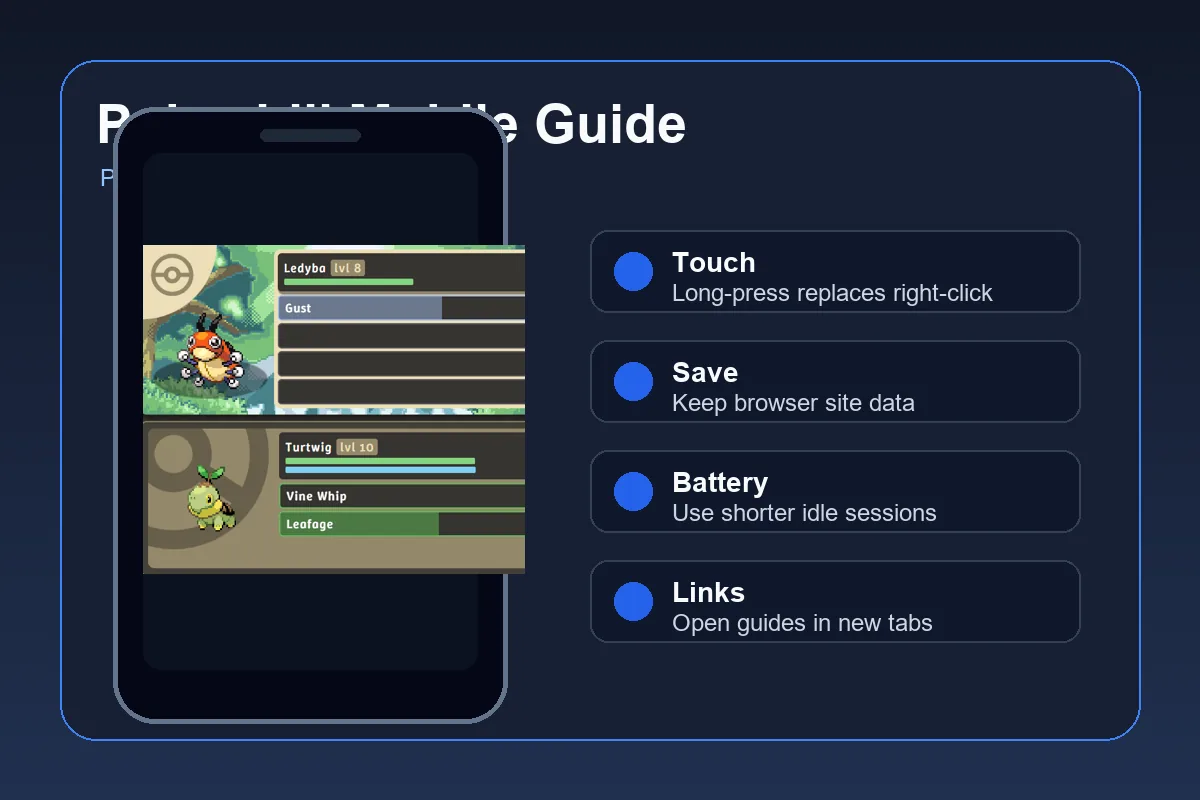
Can You Play Pokechill on Mobile?
Pokechill is designed as a no-download browser Pokemon idle RPG, so a phone can handle many everyday sessions: checking progress, catching Pokemon, letting automatic battles run, reviewing evolution goals, and opening a quick guide when you get stuck. You do not need an app store download to try it.
Mobile does not mean every action is equally comfortable. Small screens make long tables, wiki lookup, tier comparisons, and multi-tab planning harder than on desktop. The best mobile workflow is to treat your phone as a check-in device and your desktop as the planning device for big decisions.
The most important mobile rule is save consistency. Pokechill progress is browser-based, so the phone browser and its site data matter. If you switch browsers, use private browsing, clear website data, or let cleanup tools remove local storage, the game may not see the same save.
Best mobile use
Quick play sessions, idle battles, catches, short evolutions, and checking whether a team needs attention.
Best desktop use
Long wiki reading, tier list comparison, evolution chart scanning, and careful IV or Genetics decisions.
Main risk
Browser storage is easy to erase on phones, so do not clear site data casually when a save matters.
Best Phone Setup for Pokechill
Start from the Pokechill homepage in a current mobile browser such as Chrome, Safari, Edge, or Firefox. Keep the game in a normal tab instead of a private tab, then bookmark it or add it to your home screen if your browser supports that shortcut.
Before investing a long save, test a small session. Start the game, make one visible bit of progress, close the tab, reopen the same browser, and confirm the progress is still there. This small check is worth doing before you leave the game idle for hours.
- Use one browser. Pick the browser you plan to keep using. A save created in one browser may not appear in another browser.
- Avoid private mode. Private or incognito tabs can discard site data after the session, which is risky for an idle RPG save.
- Keep site data enabled. Do not block local storage, cookies, or site data for playpokechill.blog unless you are only testing.
- Bookmark guide pages. Save quick access to the Wiki, Tier List, and Evolution Chart for planning.
- Test before grinding. Close and reopen the same browser after a short session to confirm your phone is preserving progress.
Touch Controls and Mobile Habits
Most mobile friction comes from replacing mouse habits with touch habits. Pokechill's home page already notes that mobile players can use long-press where desktop players would use right-click. That matters when you need extra information about game elements.
Use deliberate taps instead of rapid tapping. Mobile browsers may interpret fast repeated gestures as zoom, text selection, back navigation, or pull-to-refresh. For an idle game, steady control is usually better than speed.
| Desktop Habit | Mobile Equivalent | Practical Note |
|---|---|---|
| Right-click for details | Long-press | Hold briefly on an element when you need extra info. |
| Hover to inspect | Tap or long-press | Hover states are unreliable on touch screens. |
| Use wide tables | Rotate or open desktop | Tier and evolution tables are easier on wider screens. |
| Multiple tabs side by side | Open guide links in new tabs | Keep the game tab stable while checking a guide. |
How to Protect Your Mobile Save
Pokechill mobile saves depend on browser site data. That is convenient because there is no account setup just to start playing, but it also means your phone's browser settings become part of the save system. Treat cleanup tools, storage warnings, and browser data clearing as save-risk events.
If you use iOS Safari, Android Chrome, or another mobile browser, the exact settings menu differs, but the principle is the same: do not erase site data for playpokechill.blog unless you are comfortable losing local progress. If your device offers per-site storage controls, review those settings before deleting anything.
A good habit is to keep Pokechill in a normal browser profile, avoid private mode, and do major cleanup only after checking whether the game has an export or backup option available in your current version. When in doubt, test with a low-value save first.
Save rule
Use the same normal browser and keep site data. Do not clear browser storage, use aggressive cleanup apps, or switch browsers casually if your Pokechill progress matters.
Battery, Heat, and Performance Tips
A phone can run Pokechill for check-ins, but long idle sessions use battery and can warm the device, especially with high brightness, background apps, weak signal, or older hardware. You do not need to turn a mobile session into an all-day stress test.
For relaxed mobile play, keep sessions shorter, lower screen brightness, close heavy background apps, and plug in only when needed. If the browser becomes sluggish, refresh after confirming your save behavior, then continue from the same browser.
| Problem | Fix | Why It Helps |
|---|---|---|
| Phone heats up | Shorten idle sessions and lower brightness. | The screen and browser both contribute to heat. |
| Battery drains quickly | Use Wi-Fi, close heavy apps, and avoid max brightness. | Idle games still keep the browser active. |
| Text or tables feel cramped | Rotate the phone or open the guide on desktop. | Evolution and ranking data need horizontal space. |
| Accidental refresh | Tap deliberately and avoid pull gestures near the top. | Mobile browser gestures can interrupt play. |
When Mobile Is Better and When Desktop Is Better
Mobile is not a weaker way to play Pokechill; it is a different workflow. Use it for the parts of an idle RPG that are naturally short and repeatable. Use desktop when the decision needs comparison, reading, or confidence.
The sweet spot is a hybrid routine: check catches and progress on your phone, then use a bigger screen for team planning, starter decisions, and deeper guide reading. That routine keeps the idle loop relaxed without making important choices on a cramped screen.
| Situation | Best Device | Reason |
|---|---|---|
| Checking idle progress | Mobile | Fast, low-friction sessions fit phone use well. |
| Choosing a starter or team core | Desktop or tablet | You can compare stats, roles, and tier notes more comfortably. |
| Looking up evolution levels | Either | Short lookups work on mobile; full chart scanning is easier on desktop. |
| Managing rare shiny or IV decisions | Desktop | Careful decisions deserve more screen space and fewer accidental taps. |
Best Pokechill Links to Keep Handy on Mobile
Mobile players benefit from a small set of bookmarked pages instead of searching the site every time. These are the most useful pages to open in a separate tab when the game is already running.
- Play Pokechill: start or resume your browser session.
- Pokechill Wiki: quick lookup for systems, Pokemon roles, items, IVs, and guide paths.
- Tier List: compare starters, high-value Pokemon, and team roles.
- Evolution Chart: check levels before you commit resources.
- Auto Repeat Guide: improve safer idle sessions and repeatable progress.
- Pokemon Idle Games Guide: compare Pokechill with other no-download idle options.
Sources and Search Notes
This guide was selected from GSC evidence: the query "pokechill mobile" showed impressions and a zero CTR while ranking against locale homepages instead of a dedicated mobile help page. Similarweb keyword expansion supported nearby no-download and browser Pokemon idle-game intent, but those broader terms are already partly served by the homepage and Pokemon idle games guide.
For browser storage behavior, see MDN's Web Storage API documentation. For device-specific cleanup paths, review current browser help such as Chrome site data controls or Safari history and website data guidance before deleting data.
Pokechill Mobile FAQ
Last updated: June 18, 2026